
The production office is the only room on a film where a mistake is visible within the hour. A schedule can stay vague for a fortnight before anyone notices. A van that never arrives, a permit nobody filed, a catering order for thirty when forty-two people were called — those are discovered in front of the whole unit, at the worst possible time. The coordinator is the person every one of those threads passes through, and the job has exactly one raw material: an accurate list of what each day of the shoot actually needs.
That list already exists, in full, somewhere else. It is in the breakdown, in the shooting schedule and in the budget — three documents the office does not own and usually receives as an export dated last week. Every hour spent retyping, chasing and cross-checking comes from that gap. So production coordinator software is not judged on how many modules it ships. It is judged on one question: when a shoot day moves, how long does the office take to find out?
- Requirements derived from an AI screenplay breakdown: locations, cast, extras, vehicles, equipment, special requirements
- Vendor search by need, by city and by the dates you are actually shooting
- Quote requests drafted from your project context, reviewed by you before anything is sent
- Offers lined up on the same columns: availability, amount, quoting method, status
- The confirmed vendor flowing into the budget line, the call sheet and the contact list
- Call sheets generated from the day in the schedule and sent as personal links, not attachments
- An Excel contact list export that stays current without being retyped
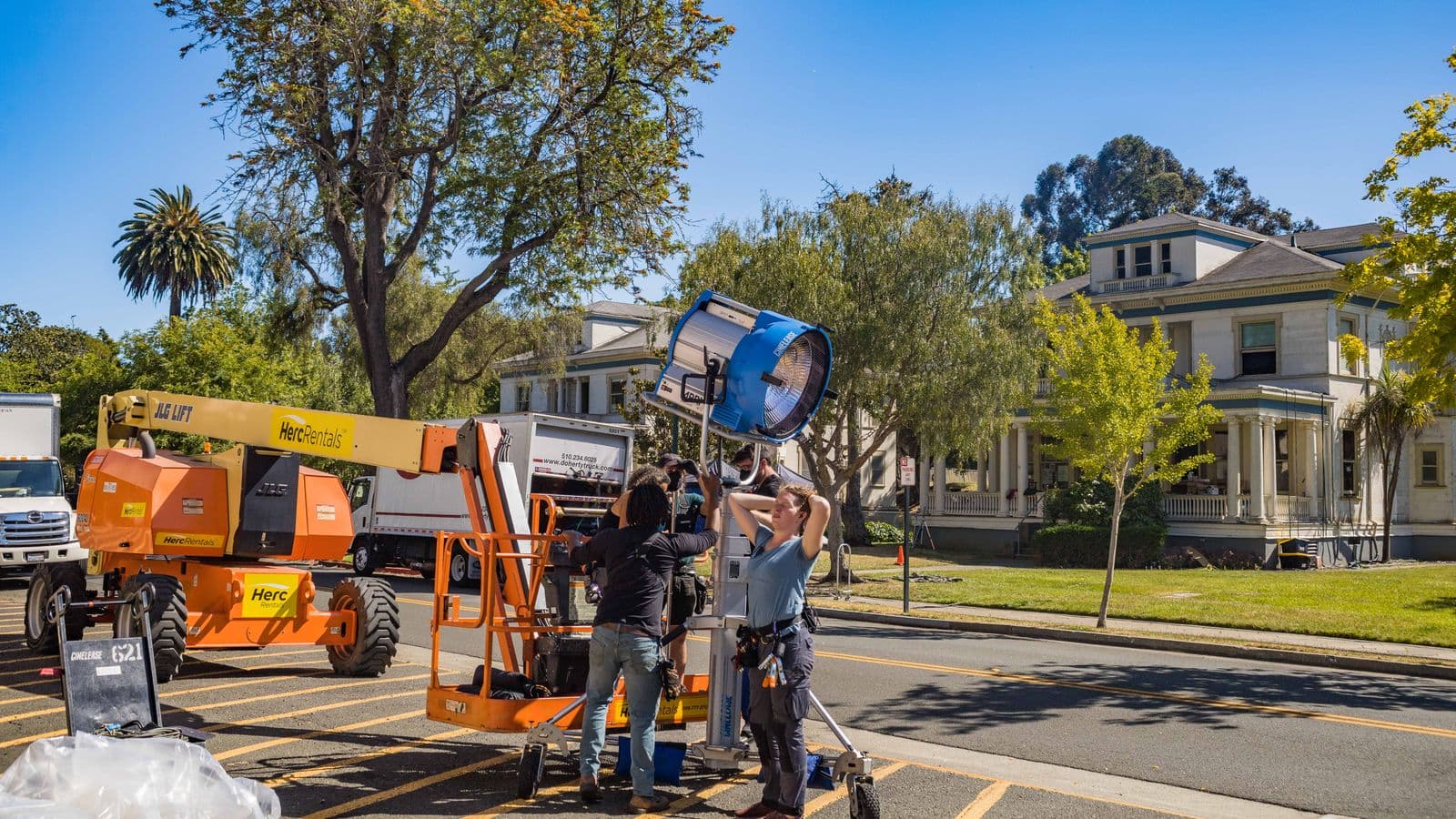
What lands on the coordinator's desk, and where it already lives
The role is easy to confuse with the ones either side of it, and that confusion leads straight to the wrong tool. The line producer decides what the production can afford and defends the budget. The first AD builds the schedule and fixes the order of the days. The coordinator makes both of those possible: booking crew and vendors, raising purchase orders, arranging travel and accommodation, distributing scripts and call sheets, keeping the contact list true. On a larger show an APOC and a production assistant carry part of it; on an independent feature it is often one person. None of this work starts from a blank page — every item is a consequence of something already written in the breakdown or the schedule.
| What the office holds | What it derives from | What breaks when it arrives late |
|---|---|---|
| Locations, permits and street closures | The location list from the breakdown and the dates in the schedule | An application filed past the deadline, and a day to re-plan |
| Transport, vehicles and unit parking | The day's locations, the people called and the distance between them | A crew on time and the equipment that is not |
| Vendors, rentals and purchase orders | The equipment requirements in the breakdown and the matching budget lines | A deal signed at last-minute prices |
| Travel, accommodation and catering | Head counts actually called, day by day | Covers over or under, and an invoice with no line to land on |
| Petty cash and on-the-ground spend | The budget accounts opened to the office | A variance found at wrap, when nothing can be renegotiated |
| Call sheets and the contact list | The day in the schedule and the crew booked on it | A call time that contradicts the schedule, and forty phone calls that evening |
The requirements are in the script before they are in your spreadsheet
A scene set in a working restaurant implies a location to secure, a closure to negotiate, extras to book, meals to order and somewhere to park the truck. None of that is written in the script, yet all of it follows from what is. That is exactly what a breakdown produces: scene by scene, the locations, cast, extras, vehicles, props, effects and technical requirements. In Soldum, importing the script produces that breakdown with AI, and you correct and complete it. The office therefore never has to ask for the list again — it reads the same one, in the state it is in today rather than the state someone exported it in last Tuesday.
A vendor is a search, comparable offers and a decision you can trace
The least visible part of the job eats the most days: finding who can supply what, at what price, on the dates you are shooting. In practice it becomes an inbox. Twelve calls, four PDF quotes, two replies that quote different dates, and a comparison made from memory at eight in the evening. In Soldum, each need goes out as a search by city and by date, quote requests are drafted from the project context — you review them, nothing is sent without you — and the replies are filed side by side. The comparison lines offers up on the same columns: availability on your dates, amount, quoting method, status. Proposed, Contacted, Negotiating and Confirmed statuses answer, at any moment, the single most repeated question of any prep: where are we on the truck?
What you book becomes a budget line, not a second file
A confirmed vendor is not an office note, it is a number. While the two live in different files the gap widens quietly: the budget still carries an estimate from three months ago, the office knows the real price, and nobody reconciles them before wrap. In Soldum the confirmed choice updates the matching budget line at the amount actually agreed, the vendor's details flow into the call sheet for the day concerned, and the Excel contact list follows. One action feeds all three, which is another way of saying none of the three can end up being the only one holding the right version.
Call sheets, and the distribution problem underneath them
Every evening, tomorrow's call sheet is the document the entire unit will read — and the one most often rebuilt from a duplicated template. Yet it repeats information that already exists in full: the day's scenes, the locations, the times, who is called, addresses and access notes. Retyping it is accepting that it can contradict the schedule, and that contradiction is invisible until a department turns up in the wrong place. In Soldum the call sheet is generated from the day in the shooting schedule and sent as a personal link: no account for the crew to create, one-tap confirmation, a targeted chase on whoever has not replied, and a grouped send by email and WhatsApp. When the day changes, the version behind the link changes — instead of a second attachment landing in forty inboxes under the same file name.

The test that separates tools: move a shoot day by two days
It takes five minutes and no commitment, so run it during a trial instead of comparing feature lists. Move one shoot day, then count what the office has to reopen. In a split chain: the location booking, the permit filed for the old dates, the truck and the rentals, the hotel rooms, the head count for catering, the call sheet already sent, and the budget lines that move with all of it. Each of those lives in a different file or a different email thread, and none of them knows the others changed. In one chain they share the same date, so whatever depends on it recalculates and the clashes surface before you approve them. What is left is negotiation — call the rental house, refile the permit — rather than inventory.
Spreadsheets, generic project tools, or one chain
Three families of tools compete for this work, and they are not separated by feature count. The spreadsheet and the email thread cost nothing, start immediately and remain defensible on a three-day shoot; their limit is that no column knows a scene moved to another day. Generic project management tools handle tasks and deadlines well but have no idea what a location, a call time or a budget line is, so you end up typing in everything you already know elsewhere. An integrated chain links the script, the days, the vendors and the money in one database — that is where the retyping stops, and after three weeks it is the only advantage that still matters. Disclosure: Soldum publishes one of the solutions described here.
| Approach | Requirements from the breakdown | Vendor search | Offers compared | Call sheets generated | Linked to the budget |
|---|---|---|---|---|---|
| Spreadsheet and email thread | From memory | By hand | |||
| Generic project management tool | |||||
| Dedicated scheduling software | Depends on the tool | ||||
| Soldum (script to budget in one database) |
One chain, from the first draft to the last purchase order
The reason the office drowns is rarely workload in the abstract — it is that the same fact has to be entered four times to be true everywhere. The scene count feeds the schedule, the schedule feeds the call sheet, the call sheet feeds catering, catering feeds the budget. Break the chain anywhere and the office becomes the human joint holding two systems together, which is precisely the work that cannot scale. Soldum is built around that chain rather than around a module list: the AI reads the script, proposes a breakdown, derives a schedule, generates the call sheets and keeps the budget attached to all of it. It was built on French productions, so the working-time and crew-agreement rules of the French industry are modelled rather than bolted on — worth knowing if you shoot in France or co-produce with a French partner, and irrelevant otherwise.
What production coordinator software will not do for you
Worth saying before you open an account. It does not negotiate: it drafts the request, files the replies and shows the gap, but you are the one on the phone. It does not know the caretaker who opens the gate at six, the street where three trucks genuinely fit, or the caterer who holds up in the rain — that knowledge is craft and stays craft. It does not file your permits and guarantees no processing time. And nothing the AI proposes is applied without your approval: a review queue shows what would change before it changes, with a timestamped history. What it removes is the retyping, and the drift between documents that retyping always creates. On pricing, the subscription is billed per account rather than per seat: Studio at €179/month excl. VAT covers unlimited projects with the whole team invited, Solo at €49/month excl. VAT suits one project at a time, and an annual commitment takes 25% off. Seven free days are enough to run the test above on a real project.
What's your pre-production challenge?
Frequently asked questions
What is production coordinator software?
+
It is a tool that ties the production office's work — locations, transport, rentals, travel, catering, purchase orders — back to the breakdown, the shooting schedule and the budget those needs come from, instead of holding them in separate files. Its value is measured by what recalculates when a day or a scene changes.
How is it different from line producer or production manager software?
+
The line producer decides what the production can afford and defends the budget; the coordinator makes that decision happen. In Soldum both work on the same database but not the same screens: one follows accounts and variances, the other follows requirements, vendors and days.
Does Soldum contact vendors on my behalf?
+
No. The search suggests vendors by need, by city and by date, and quote requests are drafted from your project context. You review them and you send them: nothing goes out without your approval.
How are the offers compared?
+
You pick the proposals to compare and they are lined up on the same columns: availability on your shooting dates, amount, quoting method and status. The vendor you confirm then updates the matching budget line at the agreed amount.
What happens when a shoot day moves?
+
The schedule recalculates, clashes on locations, cast and equipment are flagged, and call sheets already distributed are reissued behind the link the crew already has. Commitments made to vendors still have to be renegotiated by you — the tool tells you which ones are affected.
Does it generate call sheets and the contact list?
+
Yes. The call sheet is built from the day in the schedule — scenes, locations, times, who is called — and distributed as a personal link with confirmations and targeted chasing. The contact list exports to Excel and follows the vendors you confirm.
Does it suit a short film as well as a series?
+
The chain is the same, the volume changes. On a short, most of the gain comes from the call sheets and vendor tracking. On a feature or a series it comes from recalculation — the point at which running the office from a spreadsheet becomes a full-time job in itself.
Related reading
Informational page describing families of tools rather than named products; the feature sets of solutions on the market change over time. Soldum publishes one of the solutions described. Working hours, turnaround, travel conditions and contract formats depend on the territory and the agreement in force, and permits for filming in public places depend on each local authority: check them with the relevant authorities and your own advisers before contracting.